Content reviewed: 27 May 2026
XX6 APK Handbook: Setup, Permissions and Updates
Use this page to prepare the Android APK by checking its source, phone compatibility, storage, requested access and update process.
Go to XX6 Open account sign-in
Pre-download checks
Check the Android package before pressing install
An APK adds software directly to Android, so inspect both the file and the phone first. Check the source and filename of the XX6 package, then make sure enough storage is free for setup to finish.
Do not assume every download button is safe. Exit any page that forces unrelated apps, unusual access or extra verification before showing the APK; a proper installation route should be straightforward.
- Confirm the page before downloading
- Check that the phone has sufficient free storage
- Use a steady connection so the APK downloads completely
- Avoid modified APKs, unknown mirrors and files from public groups
Phone readiness
Review Android compatibility, storage and setup access
Low storage, an outdated Android build, blocked installation access or a partial file often causes setup failure. Free some space, restart the phone and obtain one clean copy from the verified source before troubleshooting the app itself.
Installation can succeed even though heavier game screens remain slow on an older device. Before reinstalling, close background processes, loosen restrictive battery settings and inspect available memory.
Before you continue
Prepare the phone before setup
Keep space available not only for the APK but also for cache, screenshots and future updates. A nearly full phone is more likely to show installation or loading problems.
Permission review
Read every Android permission prompt
Permissions offer an immediate warning check. Network or storage access may be reasonable, but SMS, contacts, call logs or accessibility control should trigger a pause and a fresh source review.
Take time on each permission screen. Refuse access unrelated to the app, and use the proper recovery flow rather than revealing an OTP or password.
- Open the APK only after the download completes
- Inspect every requested Android permission
- Cancel setup if the requested access does not fit the app
- Revoke unknown-app access immediately after installation
APK updates
A controlled checklist for APK updates
Treat an update like a fresh installation. Even when the release claims compatibility or bug fixes, recheck the source, avoid patched builds and confirm normal launch after updating.
After a failed update, delete the partial file, reboot the phone and test the installed app. Avoid trying random builds, and use the sign-in recovery guide for account-related problems.
Before you continue
Account-access troubleshooting
If installation succeeds but sign-in does not, follow the sign-in recovery steps instead of downloading another APK.
On-screen reference
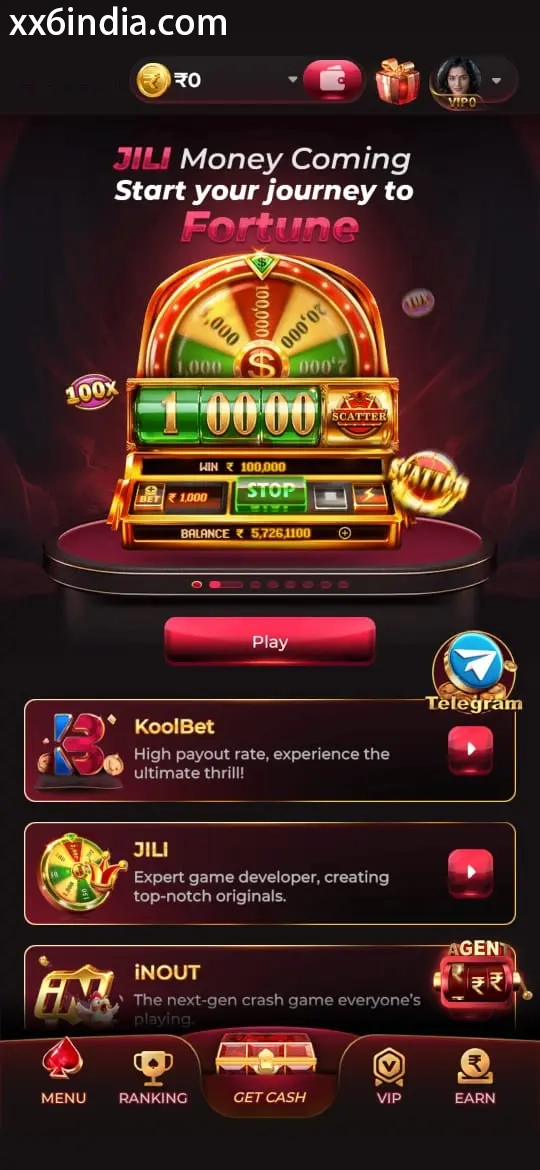
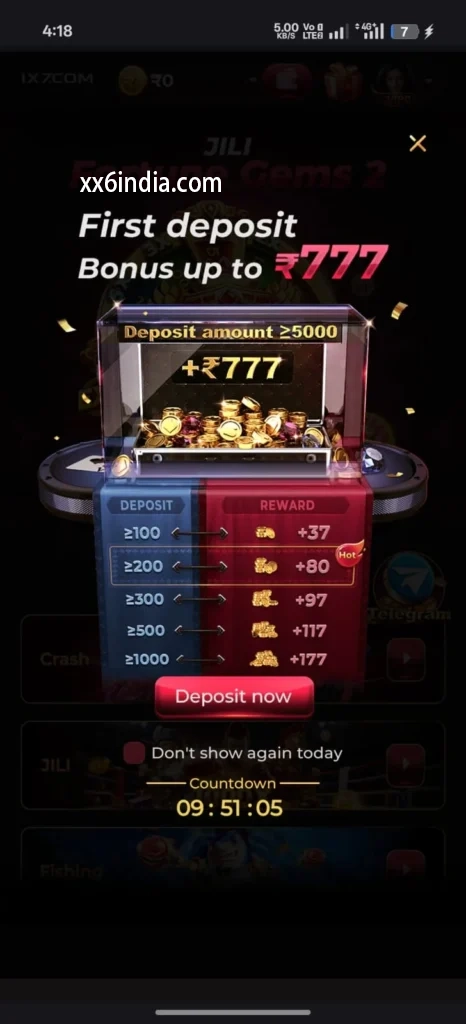
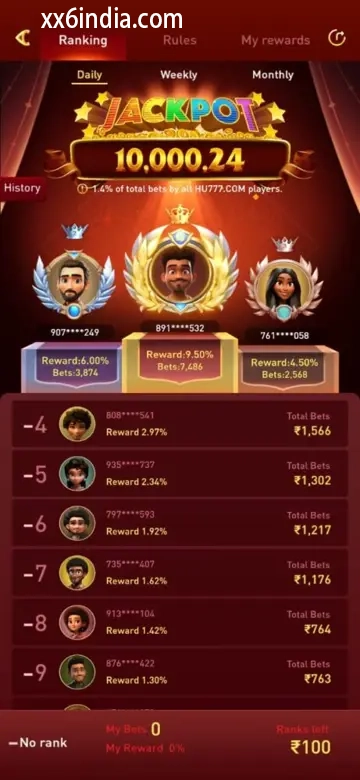
Example XX6 APK Screens on Android
Treat these images as layout references only; the current prompts and account directions on your phone should always take priority.
Useful next guides
Choose the guide that matches your next task
Sign-in and recovery steps
Use this page when an OTP, password check or sign-in error is blocking account access.
Android setup checklist
Review the file source, Android permissions, phone compatibility and update steps in one place.
Guide to game categories
Compare the available sections and their controls before opening a game on your phone.
Quick clarifications
What this page explains
What should be reviewed before the XX6 APK is installed?
Before setup, confirm the file source and name, available storage, Android version and every permission the APK requests.
Should unknown-app installation stay switched on?
No. Revoke the browser or file manager's unknown-app permission immediately after the APK has been installed.
Which APK permissions should make a user pause?
Stop the setup when contacts, SMS, call logs or accessibility access are requested without a clear app-related purpose.
Will a newer APK replace the current XX6 app?
Android can usually place a newer APK over the installed app, provided the file comes from a verified source and is not an unfamiliar modified build.