Content reviewed: 27 May 2026
Using the XX6 App: Dashboard and Feature Guide
Once access works, use this guide to understand the XX6 dashboard, account menus, game navigation and routine phone use.
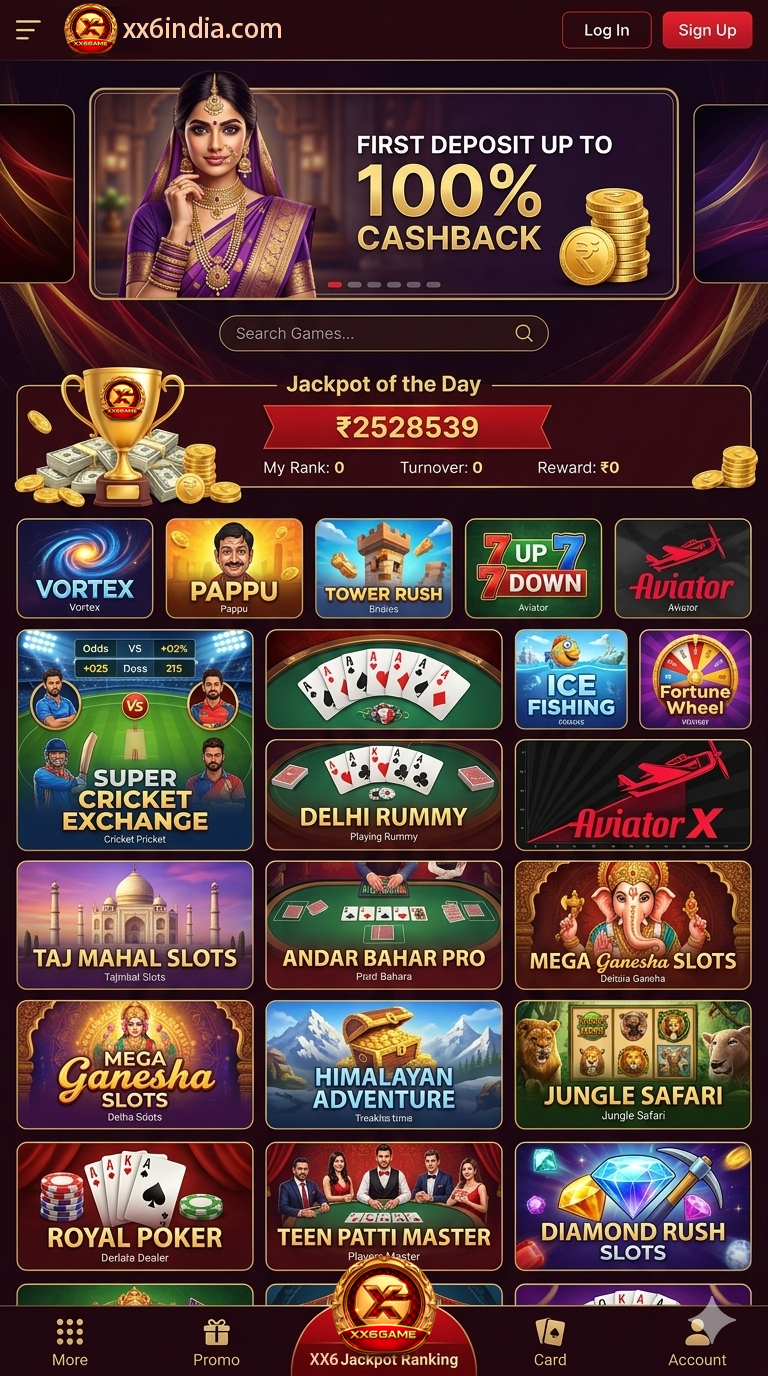
First look at the dashboard
Learn the dashboard before using the app
Take a minute to map the XX6 interface before opening a title. Locate the dashboard, account area, balance or wallet labels, support route and current notices so important prompts are not missed.
Separate account checks from play. Verify the profile first, inspect the chosen game area and then read any wallet or reward notice that may affect the session; this order reduces accidental actions.
- Check that the correct account is displayed
- Locate help inside the app
- Read wallet and dashboard labels before tapping
- Check current notices before opening a title
Navigation basics
The mobile layout of XX6 sections
A well-organised phone interface separates account controls, game groups and help access. New users should identify those areas before editing any profile information.
Handle account and wallet screens only when you can focus. On a small display, similar labels make one careful tap safer than trying to reverse a rushed action.
Before you continue
Adjust the display for easier reading
If the text is hard to read, enlarge the phone display and rotate only where the app supports it. Base account decisions on your live screen rather than someone else's image.
Wallet and account labels
Confirm wallet and account labels before continuing
Wallet, balance, reward, deposit and withdrawal pages contain sensitive information. Check the amount, method and account name before proceeding, and keep screenshots with personal or payment data private.
This page is designed to explain the interface rather than push an action. Its focus is careful label checking and using support whenever a screen remains unclear.
Performance and connection
Make the app run more smoothly on a regular phone
Close heavy background apps, keep storage free and avoid changing networks while a page loads. Unstable phone conditions often look like an app fault.
Give a slow screen time to respond rather than tapping the control repeatedly. If the delay returns, inspect the connection and move to the troubleshooting or support steps.
On-screen reference
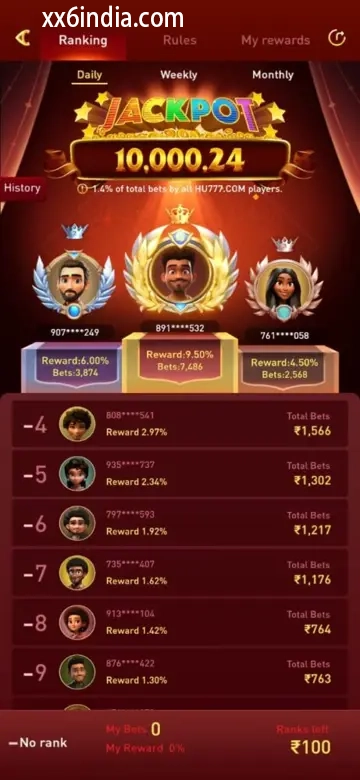
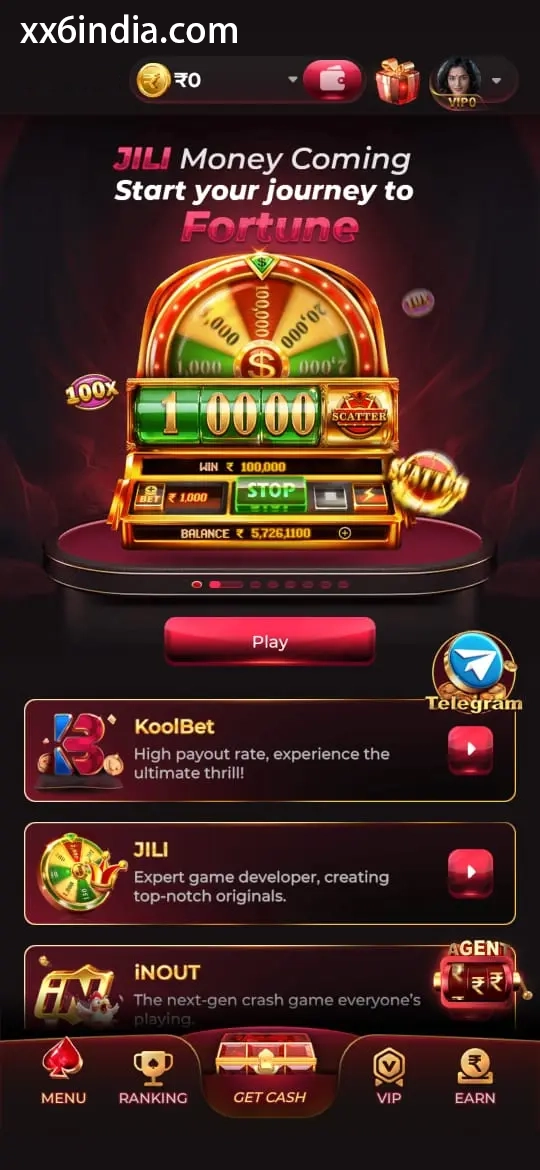
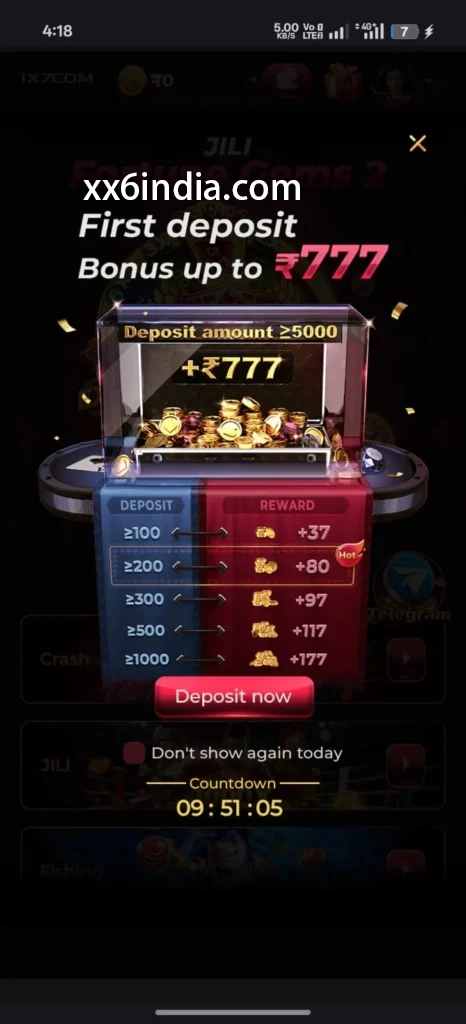
Example XX6 App Dashboard Screens
Treat these images as layout references only; the current prompts and account directions on your phone should always take priority.
Useful next guides
Choose the guide that matches your next task
Sign-in and recovery steps
Use this page when an OTP, password check or sign-in error is blocking account access.
Android setup checklist
Review the file source, Android permissions, phone compatibility and update steps in one place.
Guide to game categories
Compare the available sections and their controls before opening a game on your phone.
Quick clarifications
What this page explains
Which areas of the XX6 app are explained?
The page explains the dashboard, account areas, game discovery and phone controls; Android APK setup remains in a separate guide.
Where are APK setup instructions provided?
Open the Android setup guide when you need steps for installing or updating the APK.
What deserves the first check after the app opens?
First confirm the profile, dashboard or wallet labels, current notices, game sections and the available help links.
Which habits improve app-access safety?
Use a private phone where possible, protect all sign-in details and never give anyone an OTP or recovery information.