Content reviewed: 27 May 2026
A Careful Way to Install the XX6 APK on Android
This Android walkthrough explains how to verify the source, manage temporary install access, check storage and respond to failed setup.

Android APK
Editorial check completed 27 May 2026: Each article tackles one phone-based task, avoids account shortcuts, never asks for private data and leaves out inflated reward language.
Confirm the file source before download
APK checks should begin before the file reaches the phone. Inspect the page, filename and instructions, and exit any source that asks for a password, OTP or payment information simply to reveal a download.
When several links appear, choose the one that explains installation clearly. Skip unexplained short links, forced companion apps and files passed around in open groups.
Android permissions to check
By default, Android prevents installation from outside the store. Permit only the browser or file manager handling the XX6 APK, and revoke that access as soon as setup finishes.
Samsung, Xiaomi, Vivo, Oppo and OnePlus can place the setting under different menu names. Whichever route appears, give temporary access only to the app opening the APK.
- Check the Android settings before getting the APK
- Permit only the browser or file manager used for setup
- Wait for the complete APK before starting installation
- Return to Android settings and revoke temporary access
Why an APK installation may fail
A parsing message often points to a partial, damaged or incompatible package. Delete it and obtain one clean copy over a steady connection rather than trying unrelated versions.
If Play Protect or another security tool stops setup, read the full warning and recheck the file. Do not bypass the alert automatically just to proceed.
What to review after first launch
During the first launch, check that each screen renders correctly and refuse unrelated permissions before typing account information. If only sign-in fails, use the login checks instead of reinstalling repeatedly.
On-screen reference
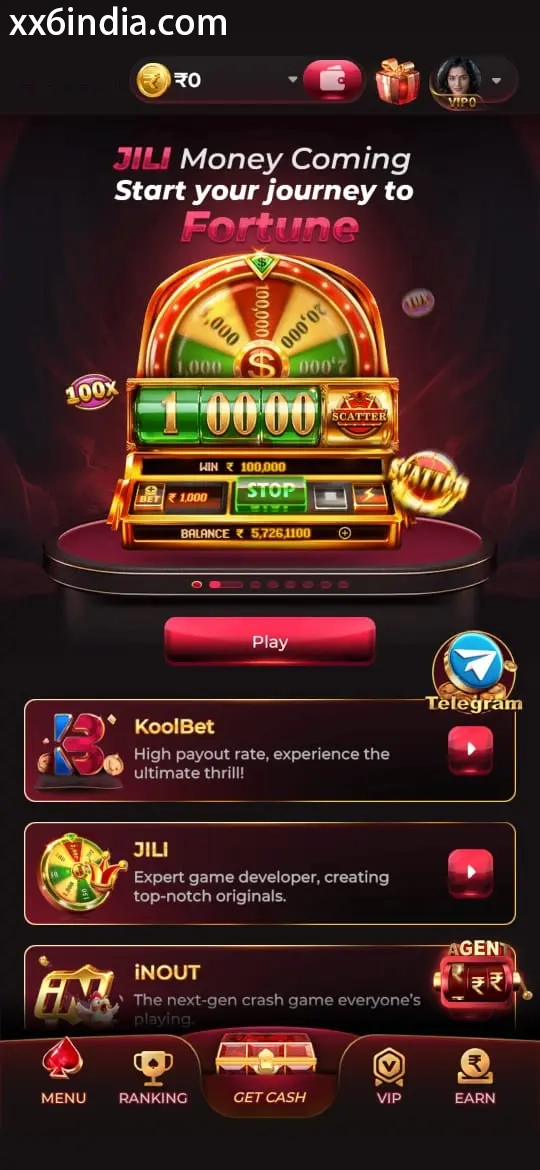
On-Screen Reference for XX6 APK Installation
Treat these images as layout references only; the current prompts and account directions on your phone should always take priority.
Where to go next
Use the Android APK permission checklist for APK setup questions; use the sign-in recovery page for OTP or password trouble; open the account registration guide to create an account; choose the game-section guide for explanations of rules, sections and phone controls.
Useful next guides
Choose the guide that matches your next task
Sign-in and recovery steps
Use this page when an OTP, password check or sign-in error is blocking account access.
Android setup checklist
Review the file source, Android permissions, phone compatibility and update steps in one place.
Guide to game categories
Compare the available sections and their controls before opening a game on your phone.
Quick clarifications
What this page explains
Why should storage be checked before downloading an APK?
Low storage may stop either the download or setup, so create enough free space before getting the file.
Where is Android's unknown-app installation setting?
The usual route is Settings → Apps → Special app access → Install unknown apps, though Android versions may label the menus differently.
What should be reviewed after the APK is installed?
Turn off the temporary installation access, open the app once and check that sign-in behaves normally.