Content reviewed: 27 May 2026
XX6 APK Update Checklist Before a New Install
Use this guide to compare release notes, avoid altered files, inspect new permissions and update the Android app with care.
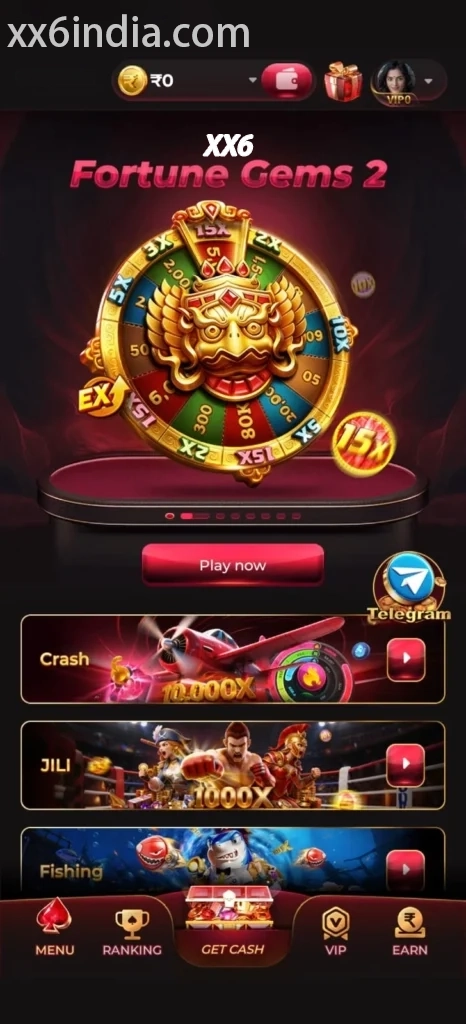
Android APK
Editorial check completed 27 May 2026: Each article tackles one phone-based task, avoids account shortcuts, never asks for private data and leaves out inflated reward language.
A newer APK is not automatically the better file
An updated APK may solve real problems, yet unreliable pages also label files “latest” to attract clicks. Check the source and release notes before replacing a working app.
If the installed app works, change versions only for a clear compatibility, security or access reason, or when the app itself requires it.
Important version details
Useful release notes name specific bug, compatibility, login, loading or security changes. Vague phrases such as “new earning version” or “special unlocked APK” should be treated as warning signs.
Avoid APKs claiming to bypass restrictions or unlock private functions, because altered builds add risk to both the phone and account.
- Confirm the update source before proceeding
- See whether the release notes match the issue
- Cancel an update that asks for unrelated access
- Open the new build once and test sign-in
Steps to take after a failed update
A signature conflict, low storage or a damaged package may stop the update. Delete the failed file, reboot the phone and make one clean attempt from the verified source.
Resolving a signature mismatch may require uninstalling the current app and can remove local data. Test the recovery route before deleting the installed version.
Steps when an update changes game loading
Slow loading may come from the connection or available storage rather than the app build. Close background apps, keep one network active and test a single title before updating.
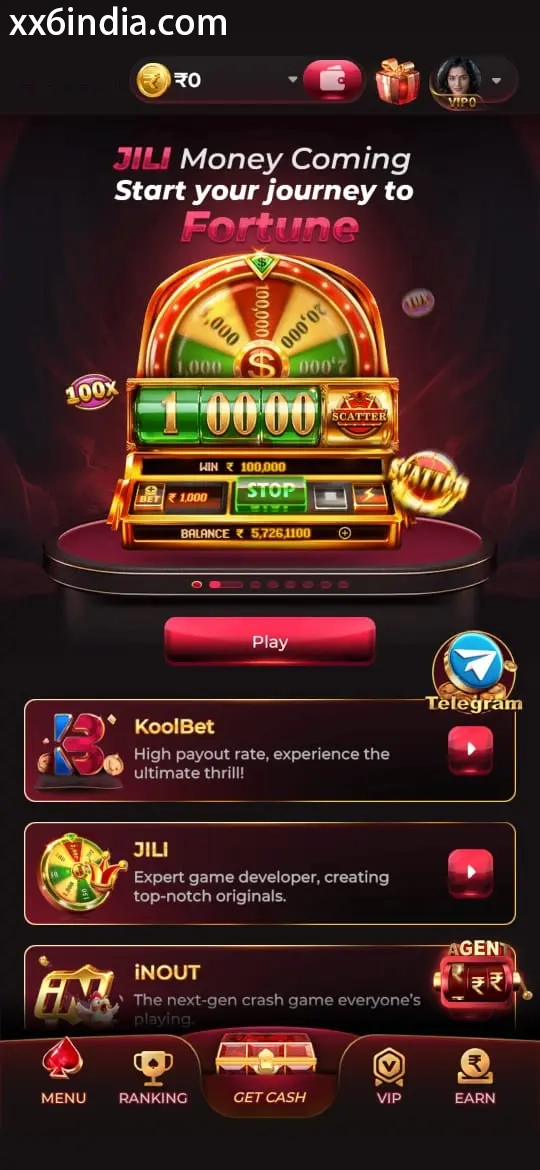
On-screen reference
On-Screen Reference for XX6 APK Updates
Treat these images as layout references only; the current prompts and account directions on your phone should always take priority.
Where to go next
Use the Android APK permission checklist for APK setup questions; use the sign-in recovery page for OTP or password trouble; open the account registration guide to create an account; choose the game-section guide for explanations of rules, sections and phone controls.
Useful next guides
Choose the guide that matches your next task
Sign-in and recovery steps
Use this page when an OTP, password check or sign-in error is blocking account access.
Android setup checklist
Review the file source, Android permissions, phone compatibility and update steps in one place.
Guide to game categories
Compare the available sections and their controls before opening a game on your phone.
Quick clarifications
What this page explains
Does every APK marked as new need installation?
No. Install only from a source you have checked, and reject modified builds or unverified mirrors.
What should I do when the latest version fails?
Remove the partial file, reboot the phone and check compatibility before downloading again.
May I keep an older version that still works?
If the current app works and no required-update prompt appears, leave the files unchanged.