Content reviewed: 27 May 2026
How to Assess XX6 Games Before Selecting One
Use this guide to weigh game sections, rule screens, phone controls and session boundaries, with simpler starting points for beginners.

Games
Editorial check completed 27 May 2026: Each article tackles one phone-based task, avoids account shortcuts, never asks for private data and leaves out inflated reward language.
Start with games whose rules are clear
Animation can be eye-catching, but a better first choice is a title with rules and pacing you can explain. Inspect the buttons and labels before play.
A screenshot of an outcome says nothing about the full rules, limits or phone requirements. Do not use it as the basis for selecting a game.
Prevent accidental taps on a small display
On a smaller phone, notifications, moisture, screen protectors and lag may affect touch input. Clean the display, mute distractions and connect to a steady network before opening the title.
If a button seems inactive, wait for the display to respond. Repeated taps during lag may record actions you did not intend.
- Open and read the rule screen
- Open one game first
- Mute notifications that could cover controls
- Stop at the boundary set before play
Adjust your approach to each game section
Fast titles require short, focused attention; card-style games depend on understanding labels and outcomes; reward areas need a terms check. Match your approach to the section.
A useful guide helps readers select carefully and recognise the stopping point instead of encouraging a longer session.
Inspect the game before committing to a session
Use the opening moments to learn the layout, labels and exit point. If the rules are still unclear, leave the title and read the instructions before continuing.
On-screen reference
On-Screen Reference for Selecting XX6 Games
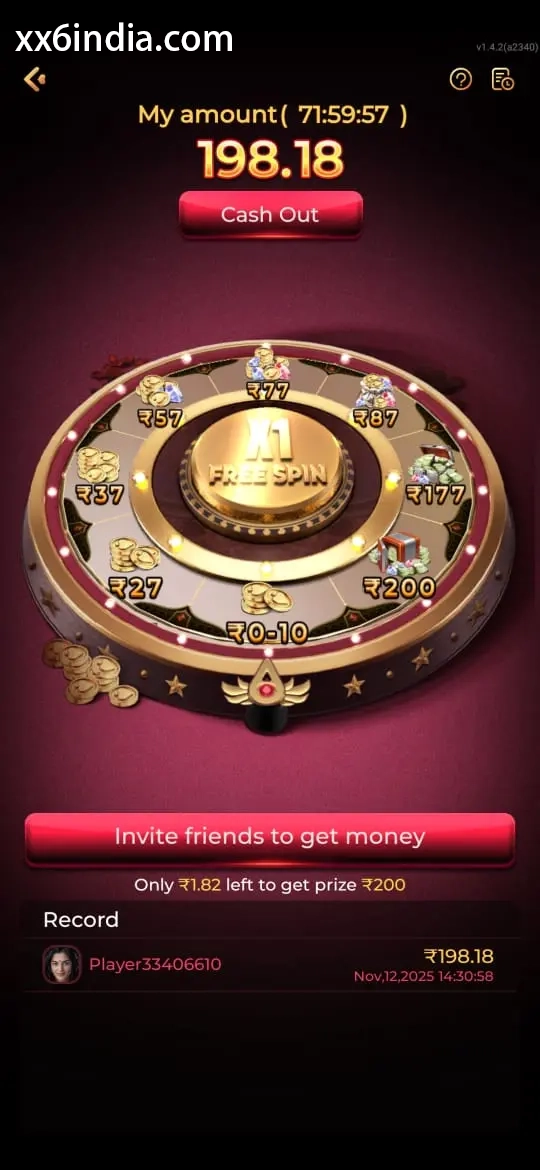
Treat these images as layout references only; the current prompts and account directions on your phone should always take priority.
Where to go next
Use the Android APK permission checklist for APK setup questions; use the sign-in recovery page for OTP or password trouble; open the account registration guide to create an account; choose the game-section guide for explanations of rules, sections and phone controls.
Useful next guides
Choose the guide that matches your next task
Sign-in and recovery steps
Use this page when an OTP, password check or sign-in error is blocking account access.
Android setup checklist
Review the file source, Android permissions, phone compatibility and update steps in one place.
Guide to game categories
Compare the available sections and their controls before opening a game on your phone.
Quick clarifications
What this page explains
What makes a game easier for a beginner?
Select a title whose rules make sense to you and whose controls are clear on your screen.
Are screenshots enough to understand a game?
No. Images show the layout, while the rule screen and live labels explain how the game actually works.
What helps prevent rushed play?
Set the session time and spending boundary before opening a game area.