Content reviewed: 27 May 2026
XX6 Mobile Game Launch and Loading Guide
This phone guide explains app and browser routes, loading faults, game startup, cache review and performance checks.

Games
Editorial check completed 27 May 2026: Each article tackles one phone-based task, avoids account shortcuts, never asks for private data and leaves out inflated reward language.
Find the exact stage where access stops
“Game download” may mean app setup, title launch, asset loading or browser access. Identify the failing stage first: use the APK guide for installation, and loading checks when the lobby opens but a title stalls.
Keeping those stages separate avoids needless reinstalls and directs you to the correct troubleshooting steps.
Choosing between the app and browser
The browser provides a quick comparison, while the app may keep navigation steadier. Failure in one route does not prove the other will also fail.
Choose either the app or browser for the first test. Constantly switching between them makes it harder to identify which change affected the result.
- Confirm sign-in before testing a game
- Open only one title during each test
- Remain on a single steady connection
- Allow the loading screen to complete before touching another control
Phone performance during game loading
Loading can stop when memory is occupied, the network changes or cache is stale. Close heavy apps, keep storage available and reduce aggressive battery-saving restrictions during the test.
If one title alone fails, record its exact name and the attempt time. Those details help support more than a general statement that the app is not working.
Set up the session before launch
Decide session boundaries and dismiss notifications before play. If an account or wallet screen freezes, wait for it to respond rather than tapping the same control again.
On-screen reference
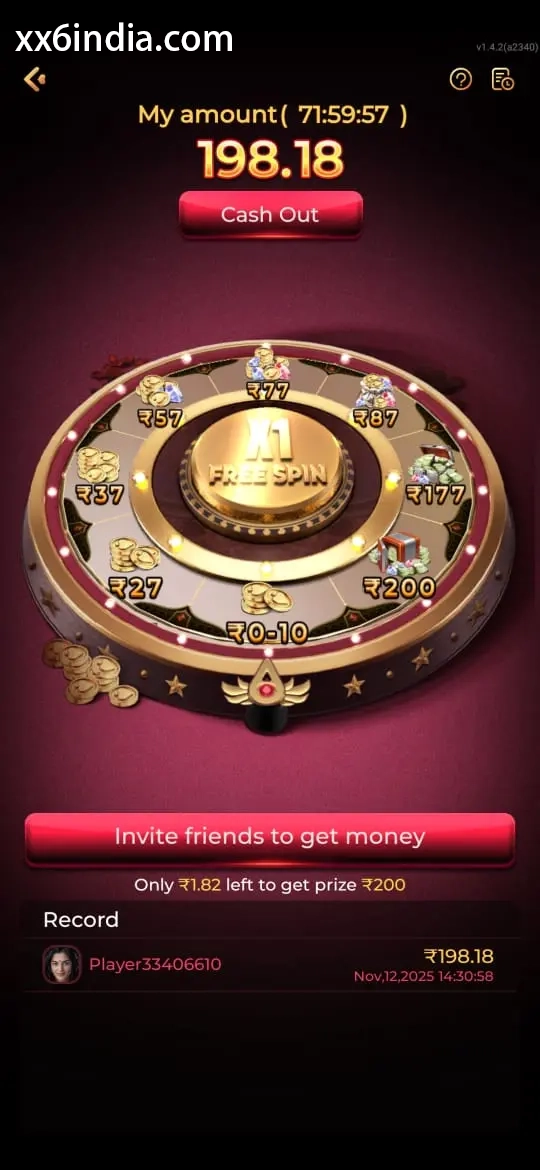
On-Screen Reference for XX6 Game Loading and Mobile Access
Treat these images as layout references only; the current prompts and account directions on your phone should always take priority.
Where to go next
Use the Android APK permission checklist for APK setup questions; use the sign-in recovery page for OTP or password trouble; open the account registration guide to create an account; choose the game-section guide for explanations of rules, sections and phone controls.
Useful next guides
Choose the guide that matches your next task
Sign-in and recovery steps
Use this page when an OTP, password check or sign-in error is blocking account access.
Android setup checklist
Review the file source, Android permissions, phone compatibility and update steps in one place.
Guide to game categories
Compare the available sections and their controls before opening a game on your phone.
Quick clarifications
What this page explains
What is the difference between app download and game loading?
Downloading installs the app used for access, while loading starts when a specific game opens after sign-in.
What can leave a game stuck on the loading screen?
Common causes include switching networks, running short of storage, old app cache and heavy background activity.
Which details help support investigate?
Share the title name, time, phone, connection type and exact error, but exclude all private sign-in information.